Grades 3 to 5
Ten weeks of cones, string, index cards and arguing about what counts as fair. Your child never touches a screen, and you never buy a thing.
Why I teach this
My children are growing up surrounded by software that hides how it works. A phone sorts a list, picks a route and suggests a video, and none of it shows its reasoning. I want these kids to have seen the moving parts once, with their hands, before any of it feels like magic.
The part of computing I teach here happens to be the part that needs no screen. A nine year old can sort twenty cards on the floor and feel why one method takes longer than another. They can hold the ends of a yarn network and watch what happens when one connection is cut. That sticks in a way a worksheet does not.
I run my own tech business and I use this kind of thinking every day. The children are not learning to code in this class. They are learning to break a problem into steps, test it, and fix the step that was wrong.
I don't grade. I help while they work and I give them feedback.
What they actually do
They guide a blindfolded partner through an obstacle course using five commands, and discover what happens when an instruction is vague. They build a network across the room with yarn and find out what breaks when one link is cut. They sort a floor covered in cards and notice that the order you do things in changes how long it takes.
Groups change week to week, and the activities are cooperative. There is nothing to win, nobody gets knocked out, and no child is left sitting because their team lost.
The ten weeks
The last one needs all nine before it.
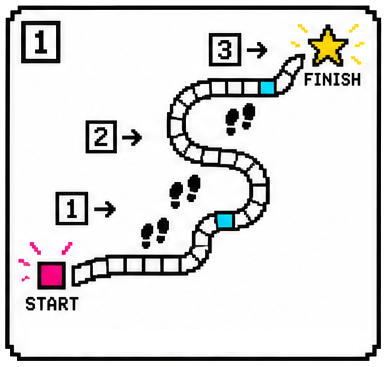
What an algorithm is, learned by giving directions to a blindfolded partner.
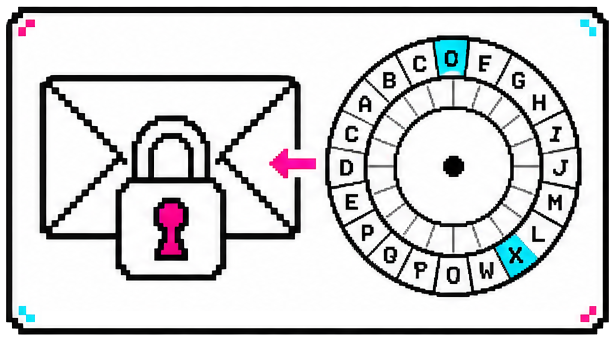
Building a cipher wheel and sending a message only the right person can read.
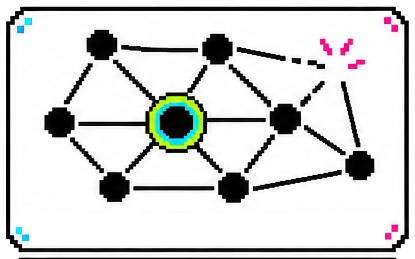
A network built across the room in yarn, and what happens when a connection breaks.
Sorting a shop full of mixed up cards, and finding the method that wastes less work.
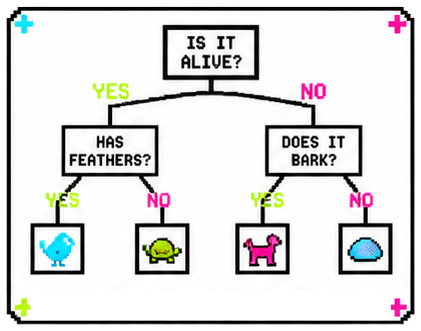
Yes or no questions arranged into a tree that can identify anything they put in it.
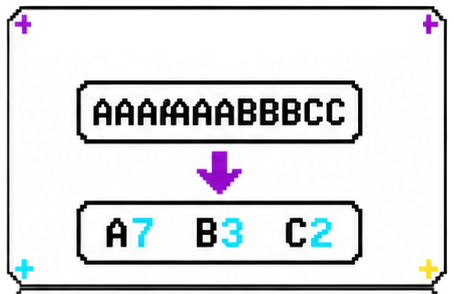
Describing a picture in fewer symbols, then rebuilding it exactly from the code.
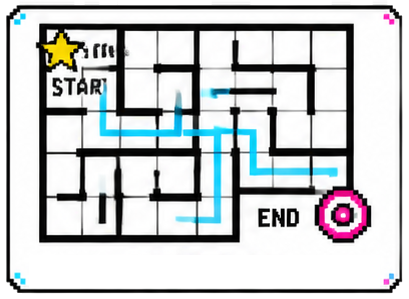
Mazes, and the difference between a route that works and the route that costs least.
Using what a classmate enjoys to suggest something new, and checking whether it landed.
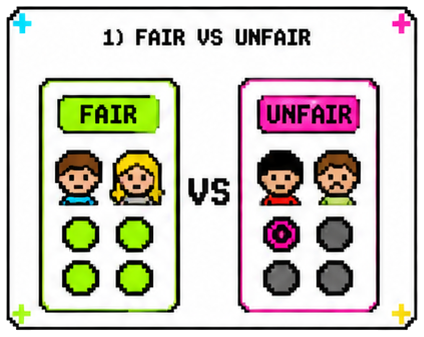
Testing the rules of a game for hidden advantages, then repairing the broken rule.
An escape room using all nine ideas to unlock a box with their certificates inside.
After the last class
Sorting, networks, compression, decision trees and pathfinding are not simplified stand-ins here. They are the actual concepts, met at a size a nine year old can hold.
Not as a word about computers. As a habit: find the step that was wrong, change that one thing, try it again.
Week 9 asks whether a rule is fair, and how you would know. They test it rather than vote on it.
It is inside a locked box on the last day, and the class has to work out how to open it.
For families
What you provide. Nothing. I buy and bring every cone, card, blindfold, ball of yarn and brass fastener. There is no supply list, no book, and no device.
What comes home. Each week your child brings a take-home page with an activity you can do together, and a short family note telling you what the class did and why that idea matters. Nothing on it is required and nothing is handed back in.
Screens and privacy. Children use no devices in this class. I use a display at the front for short videos and prompts, and that is the only screen in the room. Student names live on my own private class list behind my login. They are not published and not shared.
Behaviour and celebration. Every child gets a participation sticker every week. There is also a weekly prize draw, which is a rotation rather than a competition: every child gets a turn before the course ends. No leaderboards and no team badges.
| Who it is for | Grades 3 to 5, no experience needed |
|---|---|
| How long | 10 weeks, one 55 minute class a week |
| Class size | Up to about 25 children, in small groups |
| Supplies you buy | Nothing |
| Dates | add your term dates |
| Where | add your co-op and room |
| Price | add your price |
For teachers and co-ops
The whole course is written down, so somebody who has never taught computer science can pick it up and run it. I built it that way because I needed a guest teacher myself.
add how a co-op gets in touch about running it, and whether there is a price
Signing up
Ask me anything before you decide. I would rather answer a question now than have a child in the wrong class for ten weeks.
point this button at your registration form, and add your email
Questions families ask
No. Week 1 starts with giving directions to a partner. Nothing earlier is assumed, and children who have never thought about computers are not behind.
No. A page goes home each week with an activity you can do together if you want to. Nothing is collected and nothing is marked.
No. I help while they work and I give them feedback. The class is not ranked and children are not compared with each other.
Children work in small groups that change week to week, and the closing questions are answered by the whole class together rather than by individuals.
Children use no devices. I use a display at the front for short videos and prompts. Everything the children do is physical.
Each week stands on its own, so a missed week does not leave your child stranded. Week 10 draws on all of them, but it is a group escape room, not a test.
A small weekly prize, drawn from the class. It is a rotation, so every child gets a turn before the course ends. It is not a reward for being fastest or best.
Only a first name on my own class list, which sits behind my login and is used to keep track of whose turn it is for the prize. It is not published and not shared.
Yes. The whole course is written down, week by week, including what to say and what to print. There is more detail in For teachers and co-ops.